
Instructions for setting up your codespaces account
Instructions for setting up your codespaces account#
Go to www.github.com
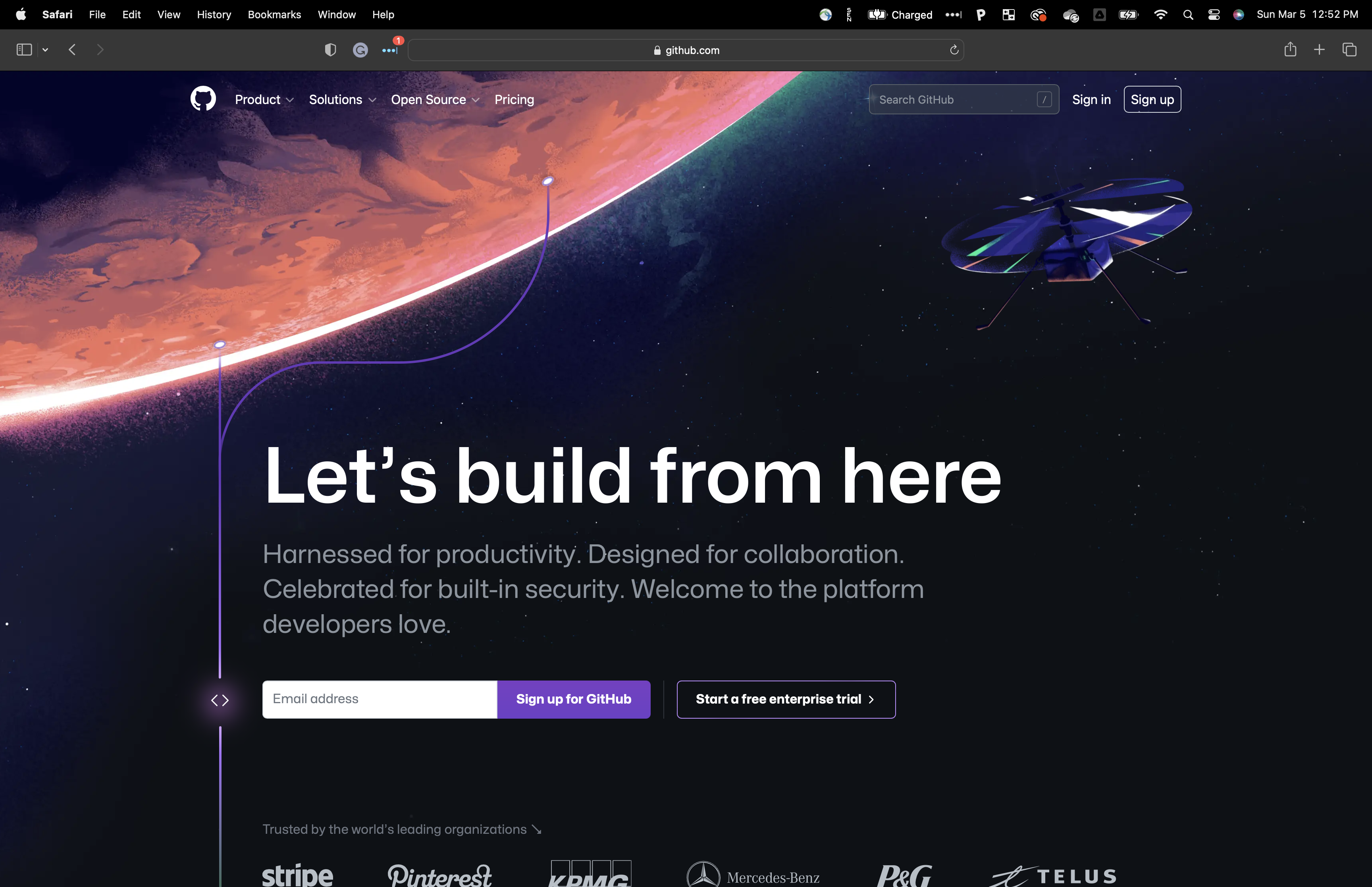
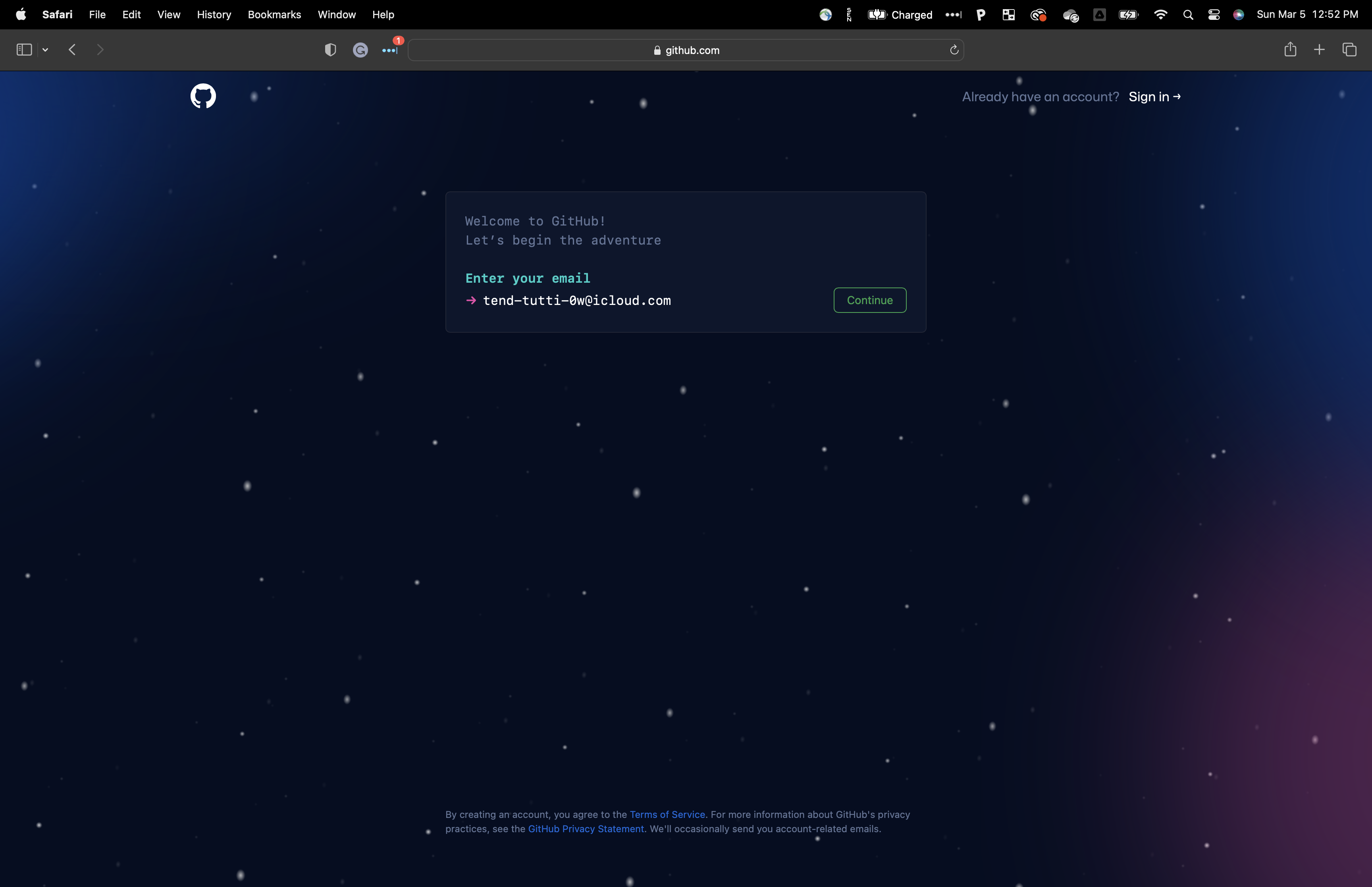
Create a GitHub Account
If you do not have a GitHub account, you will need to make one. Follow the on screen instructions to create an account. We would recommend using your @drexel.edu email address.
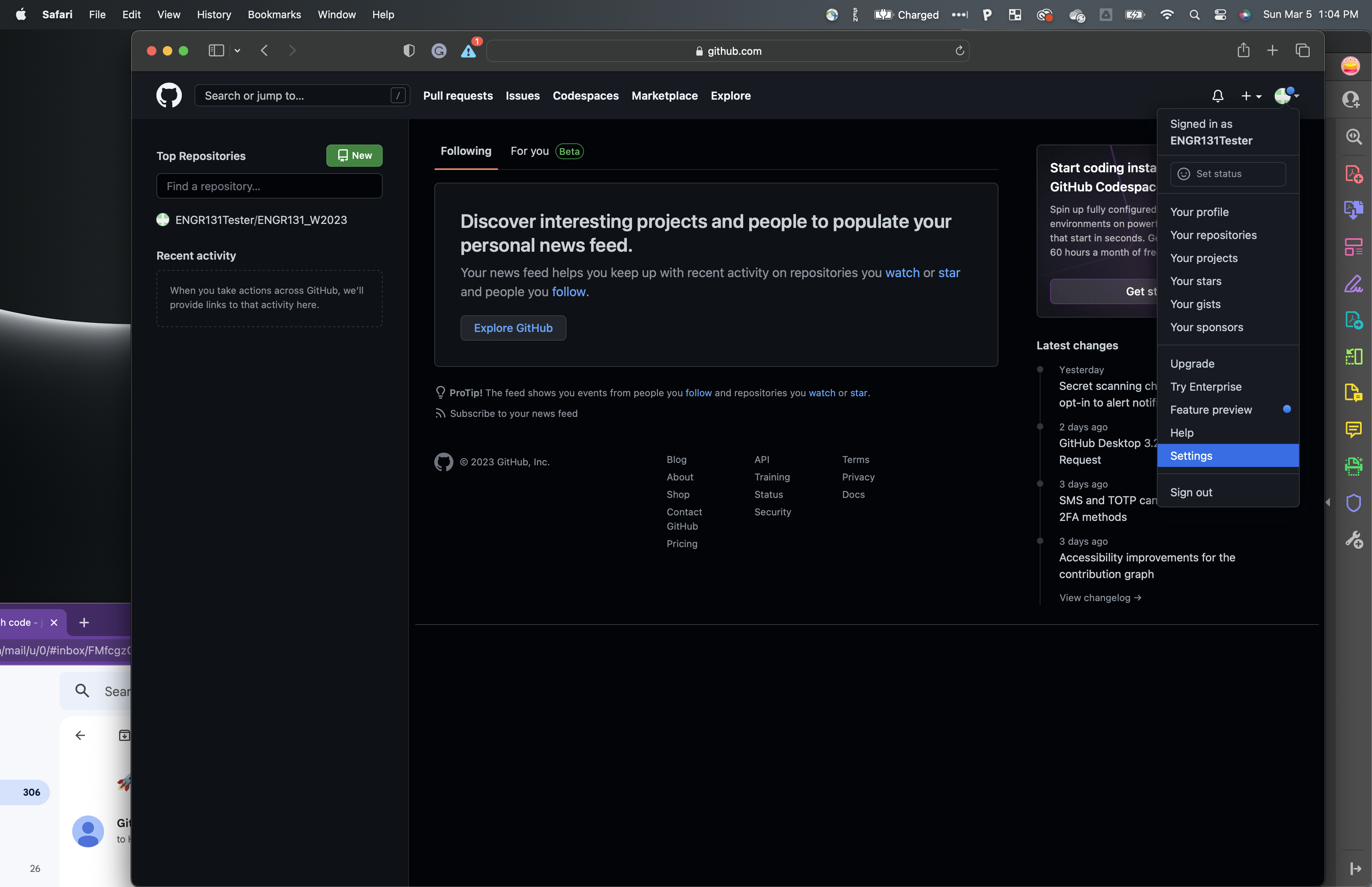
Change Setting
Click on the down arrow in the top right-hand corner of the screen and select settings.
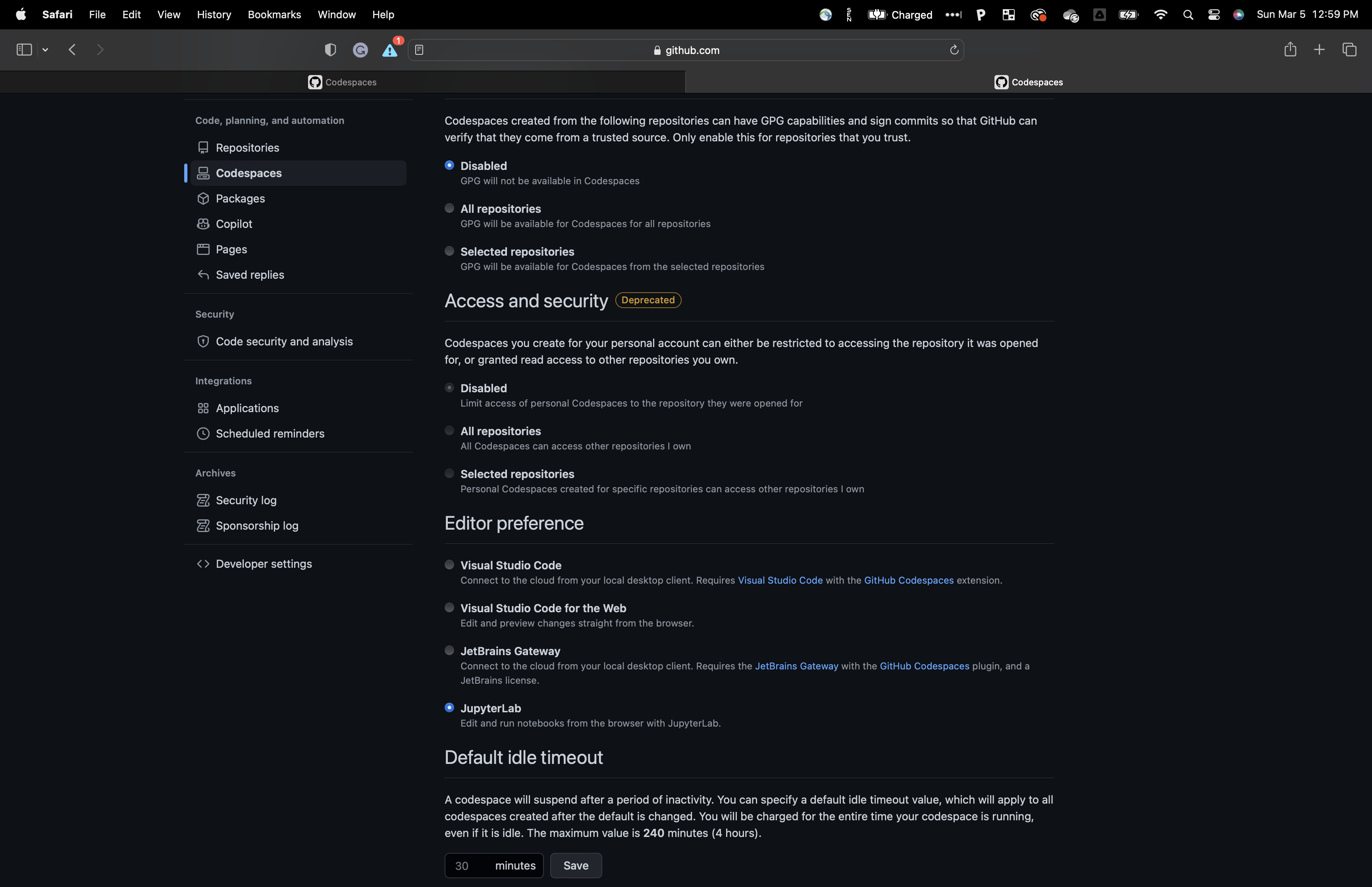
Click on Codespaces
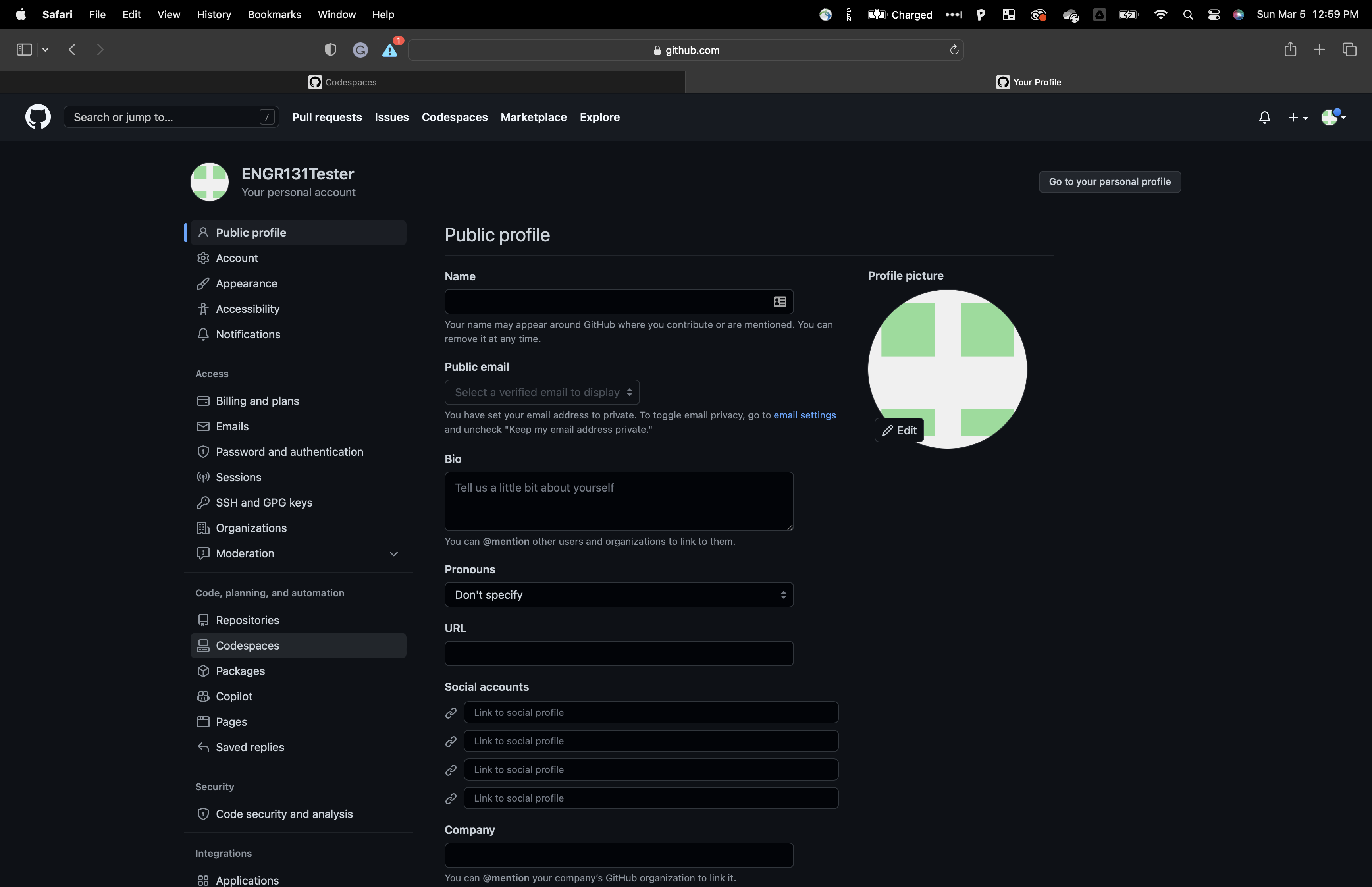
Scroll down to the editor setting and change the selection to JupyterLab
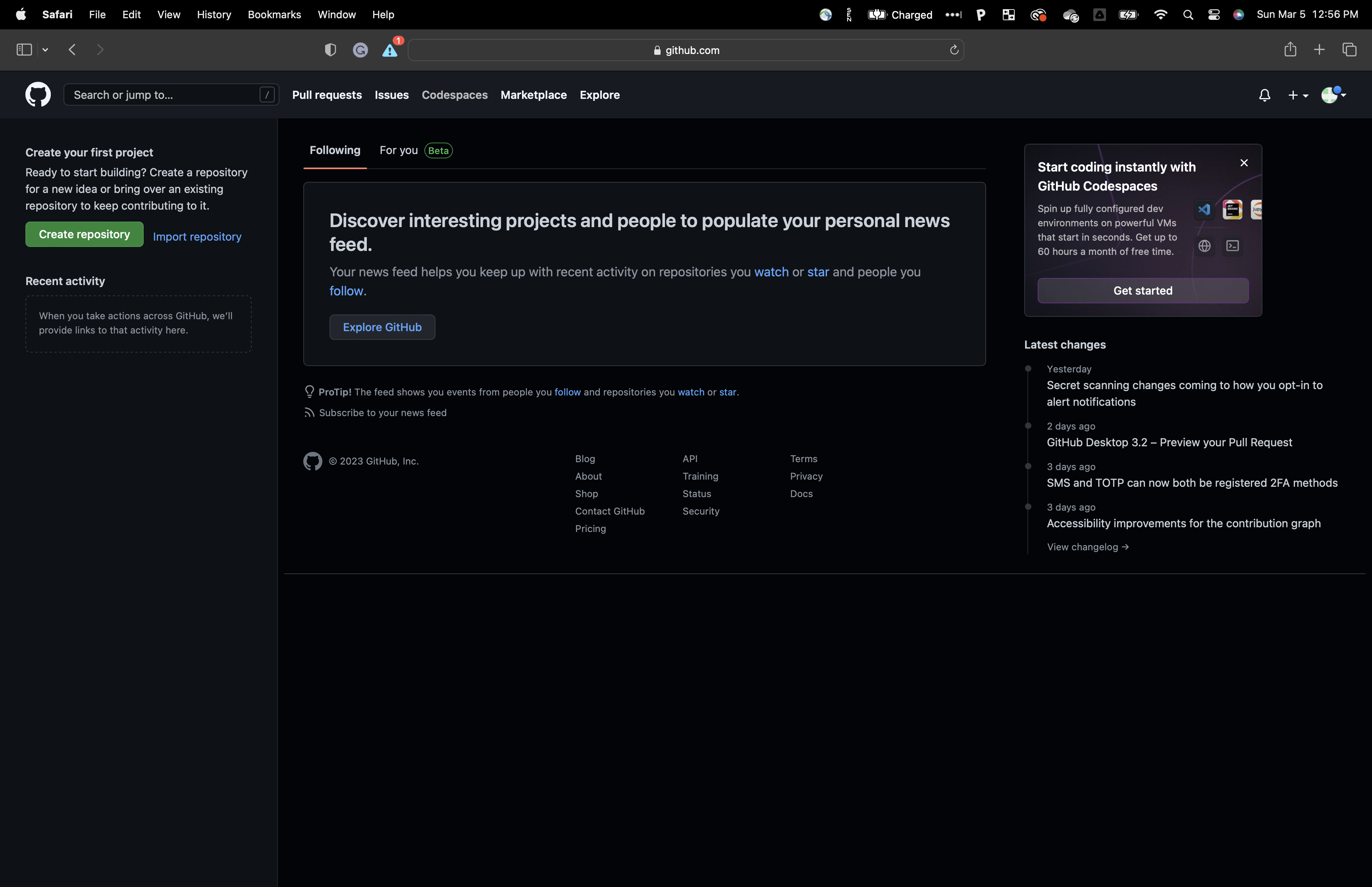
Click on Codespaces at the top
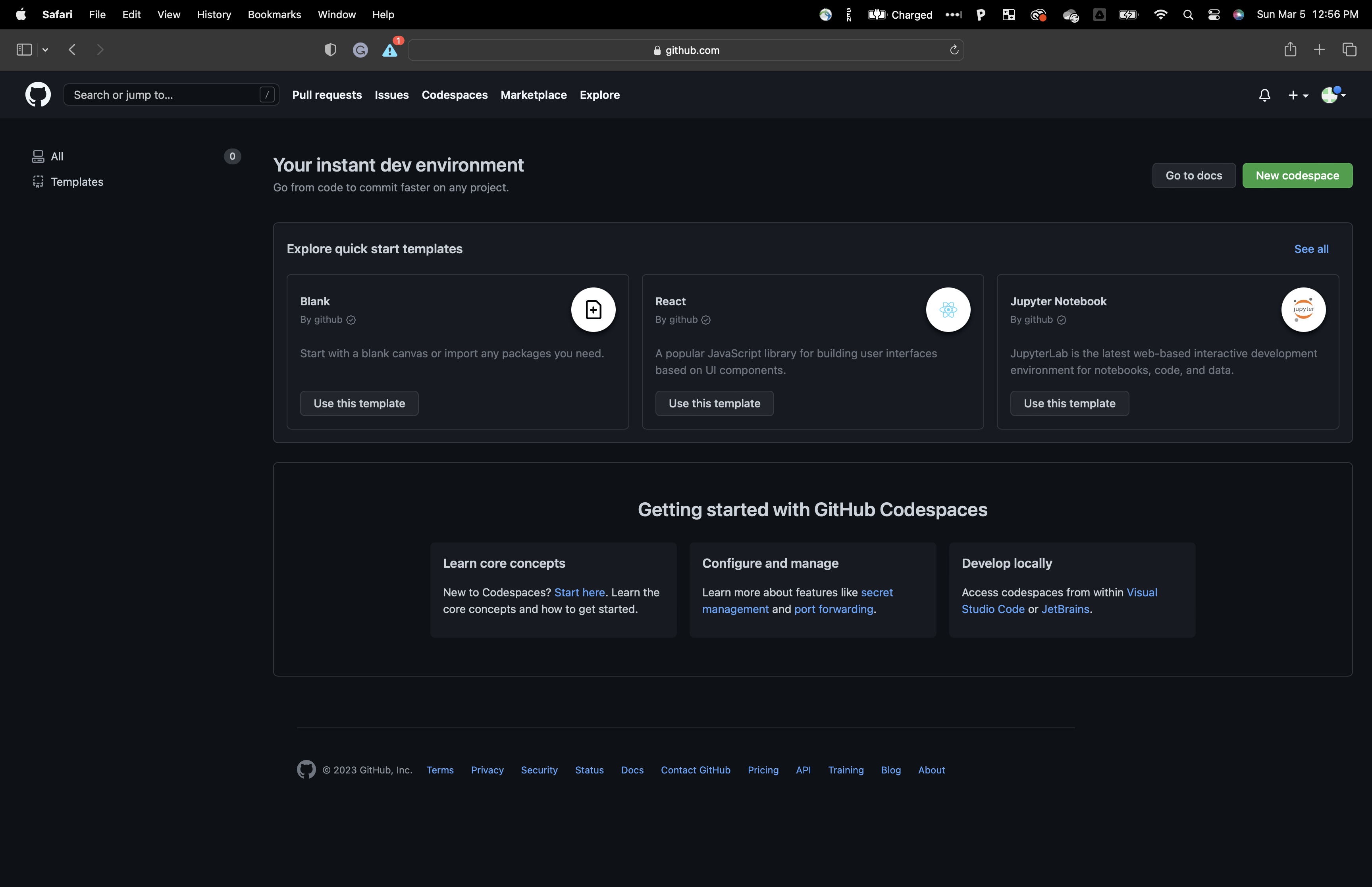
Click on Jupyter Notebook
use this template
After a minute or two you will be presented with a familiar JupyterLab interface
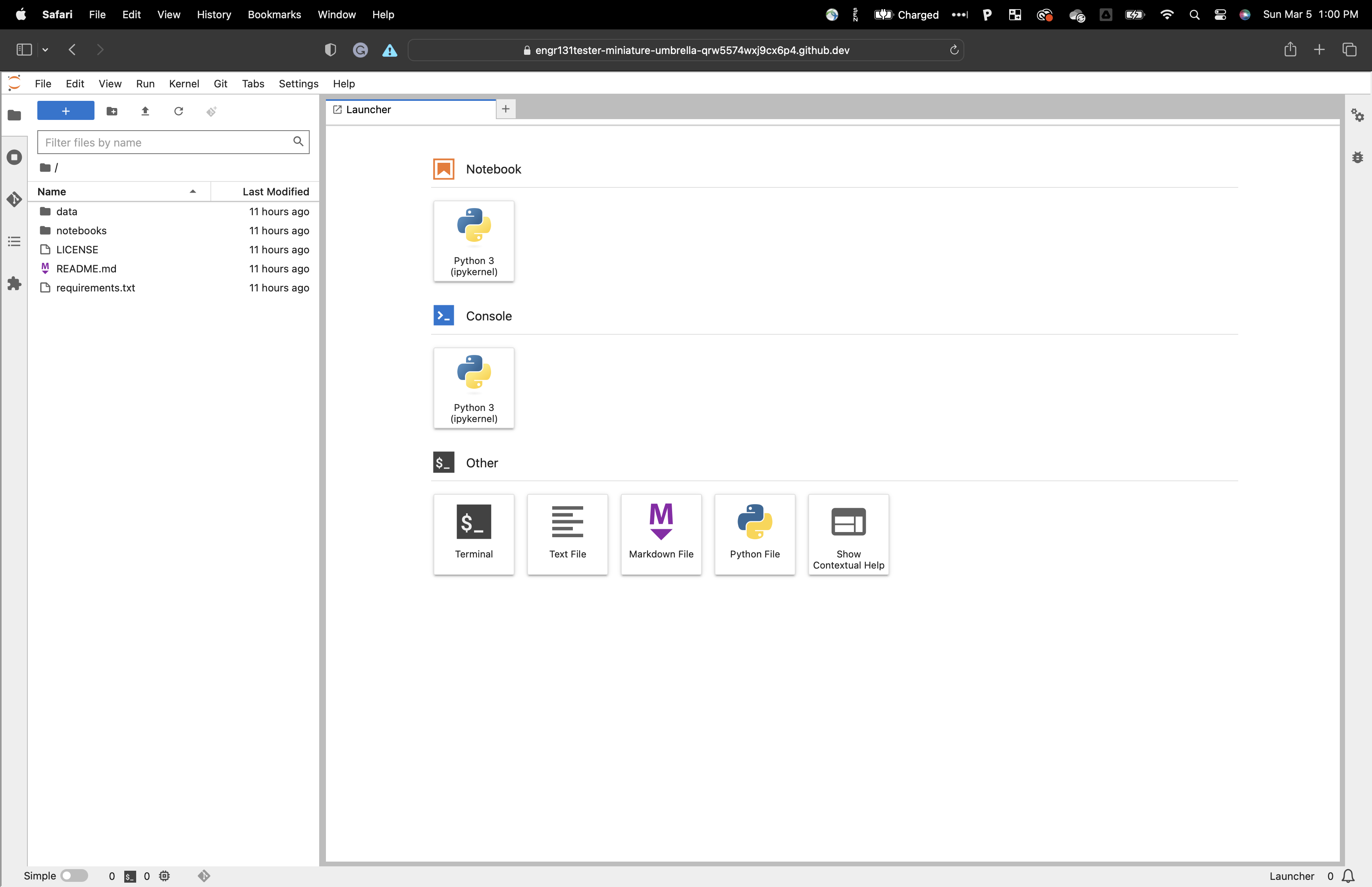
From here you can upload your notebook ipynb file and complete the lab and exam assignments.
Once you complete your assignment make sure you save your notebook. Download your notebook and
output.logfile.
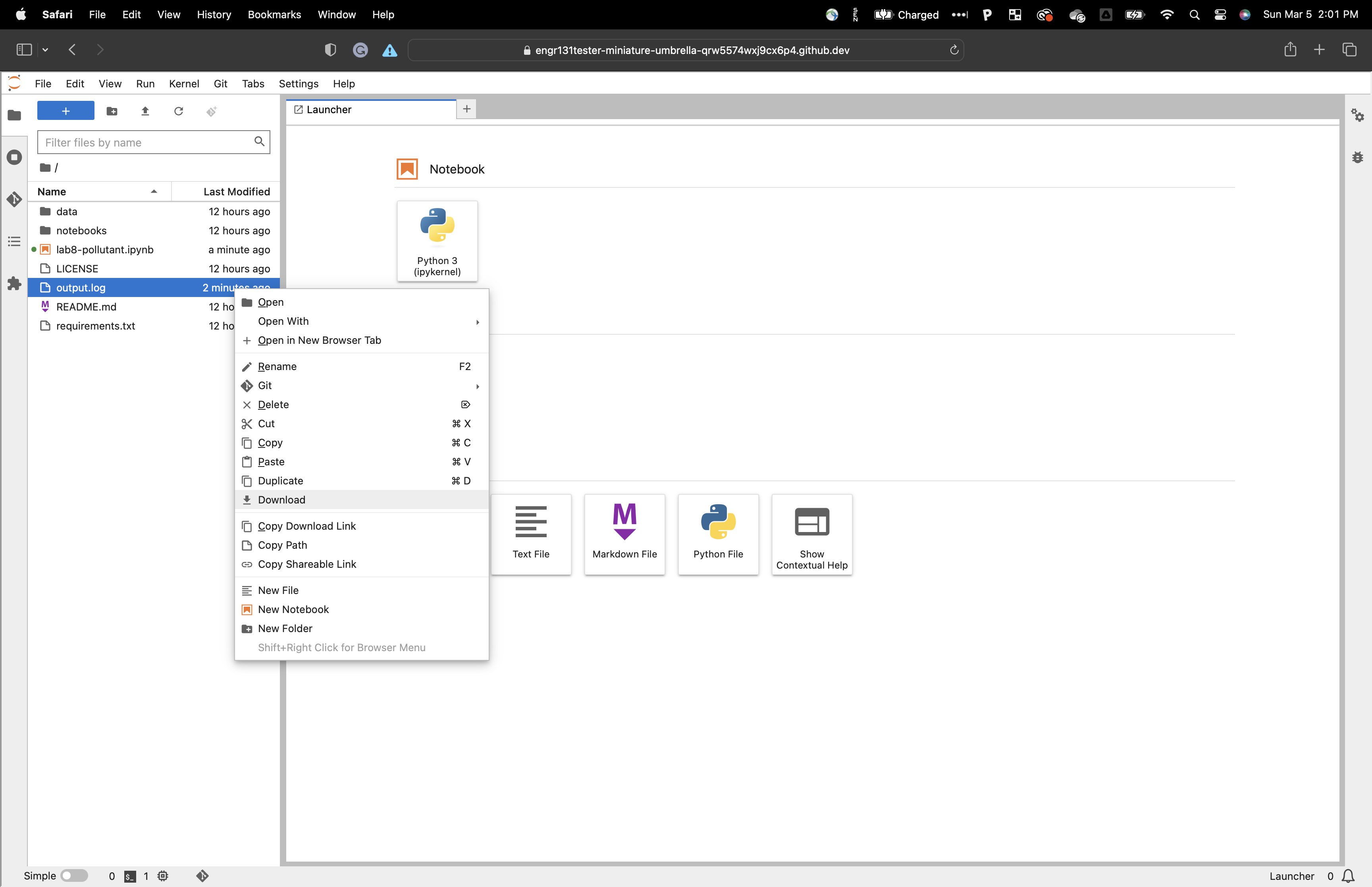
You will need to submit both your jupyternotebook ipynb and your log file to blackboard learn to get credit.
When done, it is a good idea to terminate (do not delete) your codespace session. This way you do not use your free resource allotment.